Buyer guide
Fire protection service software: what a small extinguisher shop actually needs
Last updated
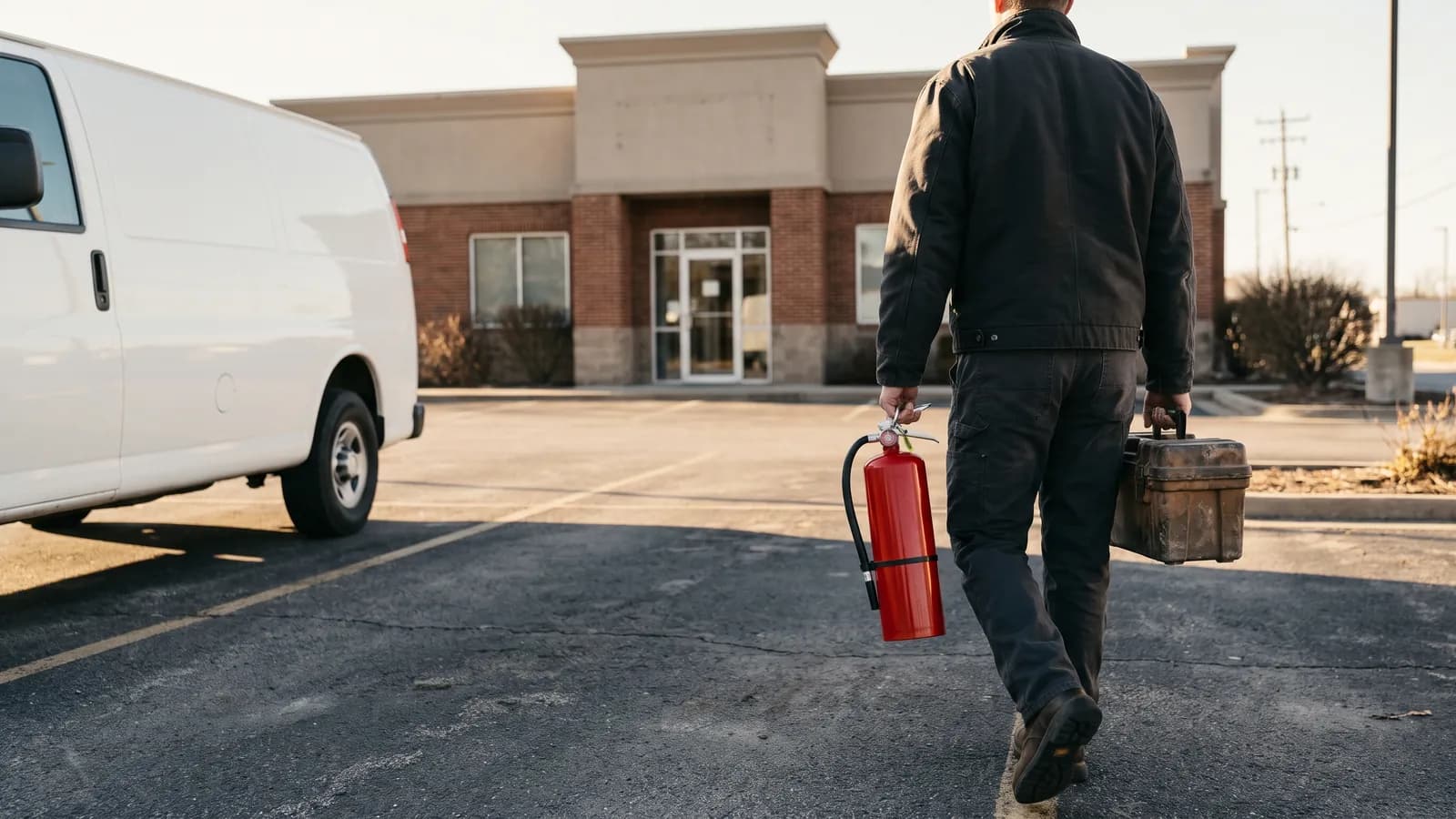
If you run a fire extinguisher service company with a handful of technicians, the software question usually starts with paperwork: tags, service reports, invoices and the reminder list for next month's route. This guide lays out what the records have to contain under the rules many shops work under, which features matter day to day, and how the three broad kinds of tools (paper and spreadsheets, general field service apps, and fire inspection platforms) compare. Vendor details below come from each vendor's own public pages as read on the date shown; ask for a demo or quote before relying on them.
Start with what the records have to show
Any fire extinguisher inspection software is only useful if it captures what your state and your customers' inspectors expect to see. A few examples from rule text you can read for free:
- Florida, rule 69A-21.241: the service tag must show "Do Not Remove", the extinguisher serial number, the name of the person who did the service ("Initials are not acceptable"), that person's permit number, the type of service, the type of extinguisher, the servicing company's name, street address and phone number, and the month and year of service shown "by means of perforation." The rule allows a tie-on tag or a pressure sensitive label or decal, and a new one goes on "each time a service is performed."
- Florida, rule 69A-21.251: invoices must show the business name, physical address and license number, and the license number "shall coincide with the permit number on the tags." Invoices must also list each extinguisher's serial number with the services performed and parts replaced for that unit, which may be on an attached sheet.
- Texas, 28 TAC 34.520(c): the tag carries "DO NOT REMOVE BY ORDER OF THE STATE FIRE MARSHAL", the firm's name, address, phone and certificate-of-registration number, the licensee's name, license number and signature ("a stamped signature is prohibited"), punched month, year and type of work, the service performed, the name and address of the owner or occupant, and the extinguisher type, size and location.
- Federal OSHA, 29 CFR 1910.157(e)(3): for covered workplaces, the employer "shall record the annual maintenance date and retain this record for one year after the last entry or the life of the shell, whichever is less."
In Florida and Texas the tag itself is a physical tag or adhesive label with the month and year punched or perforated, and Texas prohibits a stamped signature. Software does not replace the tag. What it can do is hold the same data per unit, so the tag, the customer report and the invoice all agree.
That last point matters most in Florida, where the invoice has to match the tag permit number and itemize work by serial number. If your software produces the invoice from the same per-unit service record the tech entered in the field, the serial numbers and work items carry over instead of being retyped at night.
Features that matter for a 1 to 10 tech shop
- Per-unit tag records: serial number, type, size, location, service performed, parts, tech name and permit or license number, date. This is the core of any fire inspection app.
- Customer reports: a clean PDF per site visit the building owner can hand to a fire inspector, listing every unit and any deficiency.
- Invoices built from the service record: line items per serial number, which is how Florida rule 69A-21.251 asks invoices to itemize work.
- QuickBooks Online sync: if your bookkeeper lives in QuickBooks, check exactly what syncs (customers, items, invoices, payments) and in which direction. "Integrates with QuickBooks" can mean anything from a one-way invoice push to full two-way payment status.
- Recurring inspection reminders: annual service, 6 year maintenance and hydrostatic test due dates rolled into a monthly list of who is due, by customer and by route.
- Offline phone use: techs work in basements, mechanical rooms and kitchens with no signal. Inspections should save on the device and sync later. Also check which devices are supported: some apps run only on iPad or iPhone.
- Kitchen hood and emergency light coverage: if your shop also services hood suppression and emergency lights, one system should cover all three schedules (see below).
- Pricing you can predict: per technician, per user, or flat monthly, plus any minimum team size or contract term.
Kitchen hoods and emergency lights run on different clocks
Extinguishers, hood suppression systems and emergency lights each follow a different standard and interval, so the reminder engine has to handle more than one schedule per customer. Two examples, as summarized by state agencies:
- Kitchen hood suppression: a Minnesota Department of Health guide, citing NFPA 96 (2011 edition) section 11.2.1, says the system must be serviced by trained, qualified persons at least every 6 months, in addition to monthly inspections. It cites section 11.2.4 for replacing metal-alloy fusible links at least semiannually.
- Emergency lighting: a South Dakota Department of Health test log, citing NFPA 101 (2000 edition) section 7.9.3, calls for a functional test at 30-day intervals for at least 30 seconds, and an annual test of battery-powered units for at least 1.5 hours. Check which edition your local authority has adopted.
In practice this means one customer site might have extinguishers due in March, a hood system due in March and September, and emergency lights on a 30-day test plus an annual 1.5-hour test for battery units. Software built only around extinguishers will leave the other two on a spreadsheet.
Comparing the three kinds of tools
| Category | Good at | Weak at |
|---|---|---|
| Paper tags plus a spreadsheet or QuickBooks alone | No subscription, nothing to learn, works with no signal, the legal tag is already paper | Retyping tag data into invoices and reports, no automatic due-date list, records hard to search when an inspector or customer asks |
| General field service apps (scheduling, dispatch, invoicing for any trade) | Scheduling, dispatch, quotes, invoicing and accounting sync, often a polished mobile app | Usually no per-unit extinguisher register or fire-specific report templates out of the box, and often priced and scoped for larger teams |
| Fire inspection specific platforms | NFPA-based inspection templates, deficiency tracking, compliance reports, multiple fire trades | Often quote-only pricing, team-size minimums, and feature sets built for sprinkler and alarm contractors that a small extinguisher shop may not need |
Some named examples, using only what each vendor says on its own site:
| Tool | Category | What the vendor publishes |
|---|---|---|
| Inspect Point | Fire inspection platform | Silver, Gold and Platinum plans, "quoted to your operation." Plans "start at three technicians, or one or two technicians running 400 or more inspections a year." Its FAQ says the mobile component works only on Apple devices and that synced inspections run offline. |
| Uptick | Fire inspection platform | Says it is built for fire inspection, testing and maintenance businesses with 3 to 50 field technicians. Priced per desk and field user, monthly. Says its app has an offline mode and integrates with accounting tools including QuickBooks and Xero. Lists a Denver office. |
| ServiceTrade | Field service for commercial fire and mechanical contractors | Pricing "is driven mainly by the number of technicians you support," no figures published. QuickBooks integration and an Android and iOS technician app are listed in its Select suite; digital inspection and compliance workflows are listed in Premium in its fire protection lineup. |
| BuildOps | Field service for commercial contractors | Supports QuickBooks Online and Desktop; invoices can sync and, in QuickBooks Online, payments can flow back. |
Team-size floors matter. A one or two tech shop may fall below a platform's stated minimum, and per-technician pricing grows every time you hire. A flat monthly price is easier to budget but may cap features. Ask each vendor for the total monthly cost at your current headcount and at your headcount plus two.
Questions to ask in a demo
- Can I see one extinguisher's full history by serial number, and does the invoice pull from that record?
- Does the customer report show the tech's permit or license number the way my state requires?
- What exactly syncs to QuickBooks Online, in which direction, and how are payments matched?
- Does the app work offline on the phones my techs already carry, Android included?
- Can it track hood systems and emergency lights on their own schedules at the same site?
- Is pricing per technician, per user or flat, and is there a minimum team size or annual contract?
- If I leave, can I export all my customer, unit and service data?
Sources
- Florida Administrative Code 69A-21.241, Standard Service Tags, Specifications (flrules.org)
- Florida Administrative Code 69A-21.251, Invoices (flrules.org)
- 28 Tex. Admin. Code 34.520, Service Tags (Cornell LII copy)
- 29 CFR 1910.157, Portable fire extinguishers (eCFR)
- Minnesota Department of Health, Protection of Kitchen Cooking Equipment (NFPA 96 summary)
- South Dakota Department of Health, Emergency Lighting Test Log (NFPA 101 7.9.3 summary)
- Inspect Point, Plans and Pricing
- Uptick, home page
- ServiceTrade, Pricing
- BuildOps, QuickBooks integration guide